Salary, a share of fees, or both, paid to Easypaisa, JazzCash or your bank. How applying works, the tools you get and what we ask of our teachers.
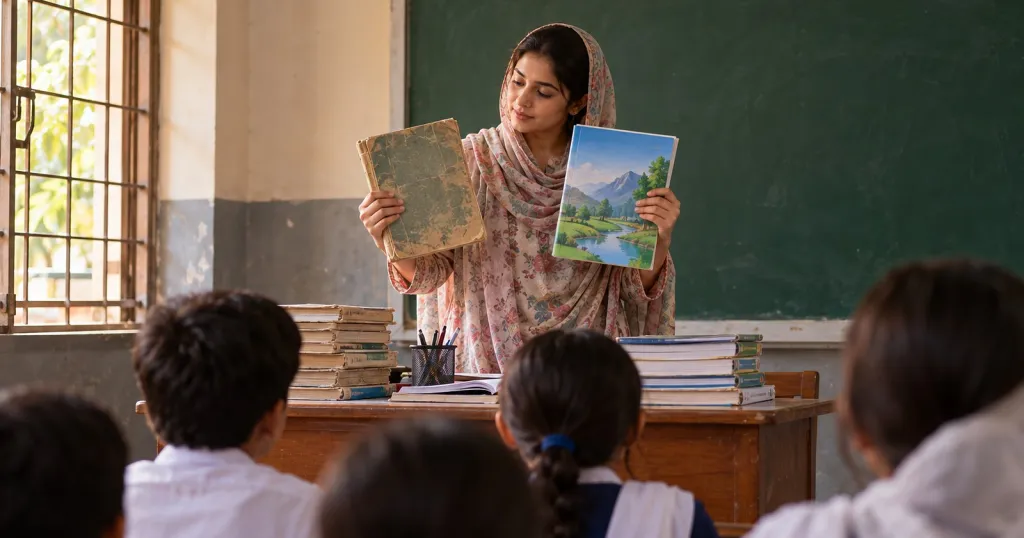
Good teachers in Pakistan often teach far fewer students than they could. Some are held back by the commute, some by the timings of one academy, and some because they have to be at home. Online teaching removes most of those limits. What it adds is a new set of questions: which platform, how do I get paid, who handles the fees, and what if I'm not a computer person?
This post answers those questions for Education360.
Who we are looking for
We are building a catalogue across Religion (Quran, Nazra, Tajweed, Islamic studies), Science, Mathematics, Languages, Computing, Test preparation, Business and Social Sciences. Levels run from Nursery through Matric, Inter, O and A Level, to university, research and professional courses.
Many families ask specifically for female teachers, for daughters and for mothers who are learning themselves. If you are a woman who teaches from home, we especially want to hear from you.
How applying works
- Fill in the application at education360.online/teach. It has six short steps: your account, about you, what you teach, your experience, when you can teach, and a final check. It takes about five minutes, and your answers are saved as you go, so you can stop and come back.
- Confirm your email using the link we send you.
- Interview. We talk to every applicant before approving them. Expect questions about your subject and how you teach it.
- Approval and pay terms. Once you are approved, we agree your pay terms with you and set up your teacher account.
- Your profile and courses. You write your profile and draft your courses: the outline, the level, the timings and the price you propose. Our office reviews them and publishes them on the website.
How pay works
There is no single rate card. Every teacher's terms are agreed individually, and they can be:
- a fixed monthly salary;
- a share of what your students pay;
- or both together.
A share can also be set differently for a particular course.
Whatever your terms, your My earnings screen shows your balance as it builds. Every rupee is linked to the course and the student it came from. The screen also shows any deductions, the tax withheld and the date of your next payout, and you can download a statement for each period.
Payouts go to Easypaisa, JazzCash or your bank account, whichever you prefer. Tax is withheld as the law requires and is shown clearly on your statement, so there are no surprises.
If you already teach students of your own and want to teach them on Education360, tell us when you apply. There is an arrangement for that too.
The tools you get
- Our own online classroom. It runs in the browser. You don't need a Zoom account, and your students don't need to install anything. It has a whiteboard, screen sharing and quick polls, and you can bookmark moments during class.
- Automatic attendance from the time each student spends in class, with a register you can correct.
- Class recordings that you review before sharing. You can cut out the waiting at the start, remove or mute parts, add chapters, and see who has watched.
- Lessons, homework and quizzes in one place. Quizzes can be marked automatically, and you can give written or voice feedback on homework.
- Notes and worksheets that students can open but not pass around freely: every copy carries the reader's name and a code, so a leaked copy can be traced.
- Messages with your students and their parents that stay on the platform. Phone numbers and links are blocked, which protects you as well as them.
Not a computer person? That's fine
Qalam, the helper built into every screen, walks you through each job step by step, in Urdu or English. That includes setting up a course box by box, adding a lesson, setting homework and marking a class. If you prefer bigger text and buttons with today's classes first, our office can switch on Easy view for you. There is also a teacher's guide with a picture for every step in the Help Centre.
What we ask of our teachers
- Be on time. If a teacher hasn't joined ten minutes after the start, the student's family and our office are told.
- Keep contact on Education360. No private numbers or outside chats with students.
- Prepare, and keep parents informed. A short remark on the monthly report card goes a long way.
These rules protect teachers as much as they protect children. When everything happens on the platform, a misunderstanding can be settled from the record.
Common questions
Do I need a degree? We look at your knowledge of the subject and how well you teach it. Tell us about your qualifications, certificates (for example a sanad for Quran teaching) and experience in the application.
What equipment do I need? A laptop or desktop computer, a stable internet connection and a headset with a microphone. A phone is fine for students, but teaching is much easier on a bigger screen.
Can I choose my own hours? Yes. You tell us when you can teach, and one-to-one students book from the free times you set.
Ready? Apply to teach with Education360.