From finding a course to your first class: the four ways to learn, what parents can see, how fees work and where to get help.
Education360 is an online institute. We connect students in Pakistan and abroad with teachers we have interviewed and approved, and we give both sides one place to do everything: find a course, join live classes, watch recordings, hand in homework, take quizzes, pay fees and follow progress.
This post explains how it works, step by step.
Four ways to learn
Every course on Education360 is taught in one of four ways. The course page tells you which.
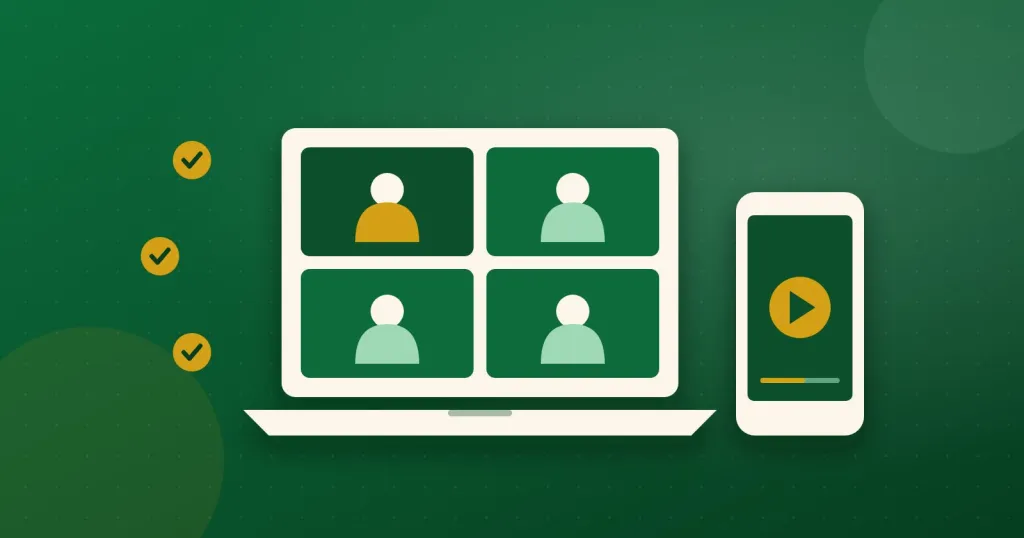
- Live classes: a group class at fixed times each week, like a batch at an academy, but from home.
- One-to-one: just you (or your child) and the teacher, at times you agree together.
- Recorded course: video lessons you watch at your own pace, with your progress saved.
- Live and recorded: live classes plus a library of recorded lessons to go back to.
Most courses also come with notes and worksheets, homework and quizzes, all inside the same course.
From finding a course to your first class
- Find a course. Go to Courses and filter by subject, level (from Nursery to university and professional), the way it is taught, the language it is taught in and the teacher's gender. You can also show only courses with a free trial class.
- Sign up. Create a student account, or a parent account if you are signing up for your children. One parent account can hold several children.
- Ask to join. Choose how you want to pay: monthly, once for the whole course, per session or as a pack of sessions. For one-to-one courses, pick the weekly times that suit you from the teacher's free times. If the course offers a free trial class, you can book that first and meet the teacher before you pay anything.
- Join your class. Near class time a Join button appears on your home page. Classes run in our own online classroom, which works in the browser on a phone, tablet or laptop. You don't need Zoom and there's nothing to install. Headphones help.
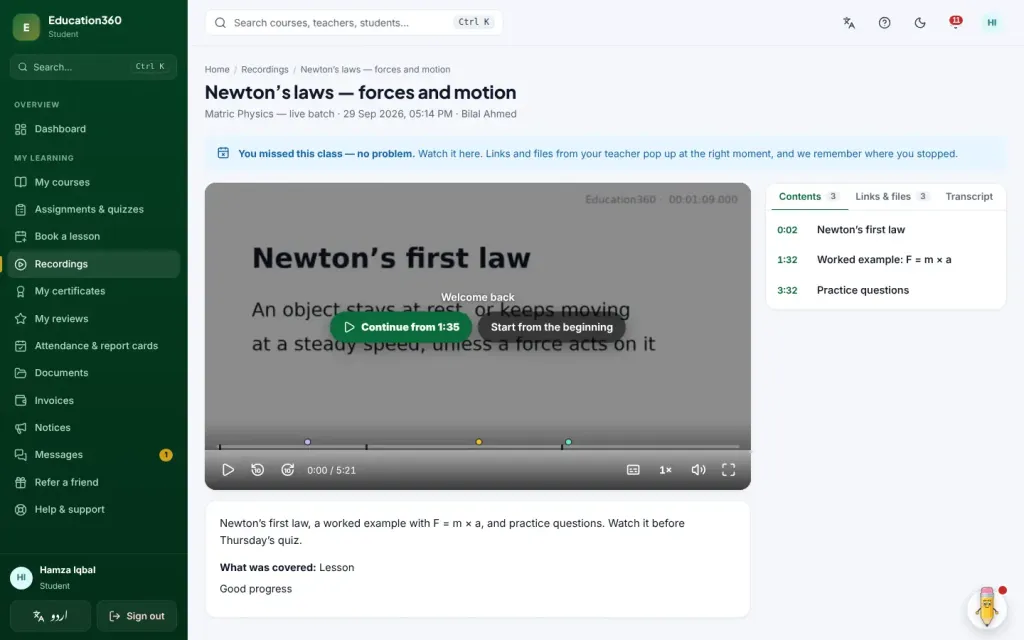
- After class. Teachers can share the recording of the class, so you can watch a hard part again or catch up on a class you missed. Homework, quizzes and marks appear in the same place. Attendance is taken automatically from the time you spend in class.
For parents: see what is happening
A parent account is not an afterthought. With it you can:
- switch between your children and see each child's classes, attendance, homework and quiz results;
- get a short weekly note and a monthly report card as a PDF;
- join a class as your child if you need to sit in;
- pay your children's fees from one place;
- write to your child's teachers, and read the messages between your child and their teachers.
Messages only work between a family and the teachers of courses the child is enrolled in. Phone numbers, email addresses and links are blocked in messages, so conversations stay on Education360 where they can be seen. If a teacher is not in class ten minutes after the start, you and our office are told.
Fees and paying
Prices are in rupees for students in Pakistan and in US dollars for students abroad. Every fee comes as a written invoice that shows exactly what it is for and how to pay. Once you have paid, you upload a photo of the receipt and our office confirms it. When you finish a course that gives a certificate, you can download it. Each certificate has a QR code that anyone can scan to check it is real.
Help when you need it
- Qalam, the helper in the corner of every screen, walks you through tasks like joining a class, paying a fee or handing in homework, in English or Urdu.
- The Help Centre has picture-by-picture guides for students, parents and teachers, also in both languages.
- Our support desk answers questions about admissions, fees, classes and anything else. Concerns about a teacher's conduct are always treated as urgent.
For teachers
If you teach, whether it's Quran, science, maths, languages, computing, test preparation or business, we would like to hear from you. Applying takes about five minutes, and your pay terms are agreed with you individually. Read how to apply.
Ready to start? Find a course or create your account.